B2Bond

B2Bond on every device

Install your portal as an app

B2Bond opens from your home screen or desktop without a browser address bar—just like a regular app. No App Store or Google Play download is required.

Open seller portal

Buyers should open their supplier’s portal link—the supplier subdomain or branded custom domain.
https://portal.company.ru
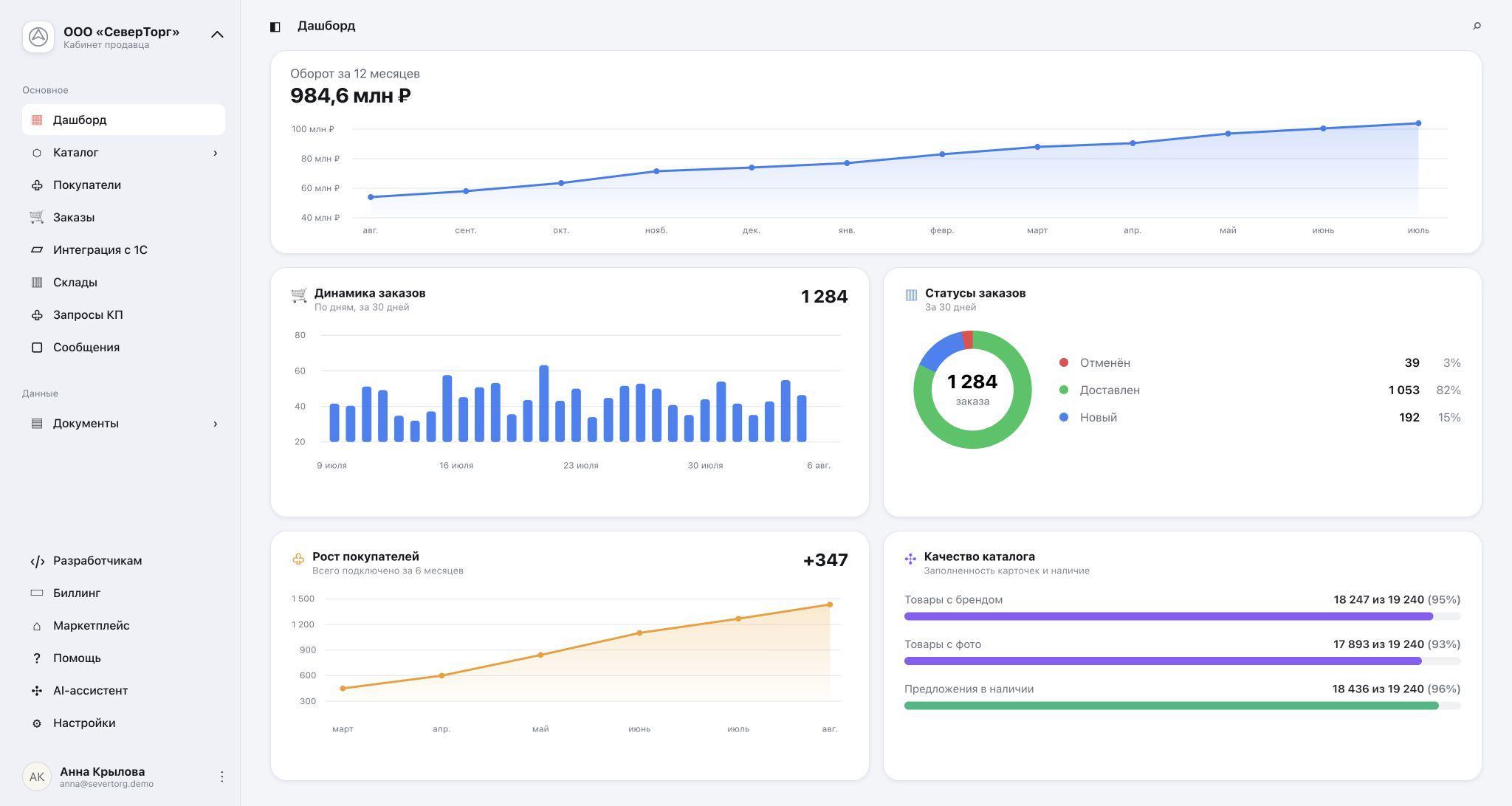
B2Bond portal dashboard
Install your portal as an app
1

One account

Use the same email and password you already use in the browser.

2

Always current

Updates appear automatically, with no new version to download.

3

Data stays protected

Catalogs, pricing, and documents are not stored for offline viewing on the device.

PWA

Choose your device

Menu labels may vary slightly between browser versions.

iPhone and iPadSafari

Use the Share menu

  1. Open your portal address in Safari and sign in.
  2. Tap the Share button at the bottom of the screen.
  3. Scroll and choose “Add to Home Screen.”
  4. Review the name and tap “Add.”
portal.company.ru
B2Bond portal dashboard
Add to Home ScreenAdd B2Bond to your Home Screen
Safari menu
AndroidGoogle Chrome

Use the browser menu

  1. Open your portal address in Chrome and sign in.
  2. Tap ⋮ next to the address bar.
  3. Choose “Install app” or “Add to Home screen.”
  4. Confirm the installation.
portal.company.ru
B2Bond portal dashboard
New tabShare…Install app
Chrome menu
Windows and macOSChrome or Edge

Use the address bar

  1. Open the portal in Chrome or Microsoft Edge.
  2. Click the install icon on the right side of the address bar.
  3. If it is hidden, open the browser menu and choose “Install B2Bond.”
  4. Click “Install”; the app will be added to your applications and desktop.
https://portal.company.ru
B2Bond portal dashboard
Install B2Bondportal.company.ru
Install
Browser address bar

Ready

After installation

  1. Open B2Bond from its new home-screen or desktop icon.
  2. The device still needs an internet connection for catalogs, pricing, orders, and documents.
  3. Install each supplier portal separately: every domain gets its own app icon.
  4. To remove the app, use the standard app or shortcut menu on your device.

Can’t see an install option?

Update your browser and make sure the page uses HTTPS. On iPhone, use Safari: in-app browsers inside Telegram and other apps do not expose the system Add to Home Screen command.

Need help? Email hello@b2bond.ru